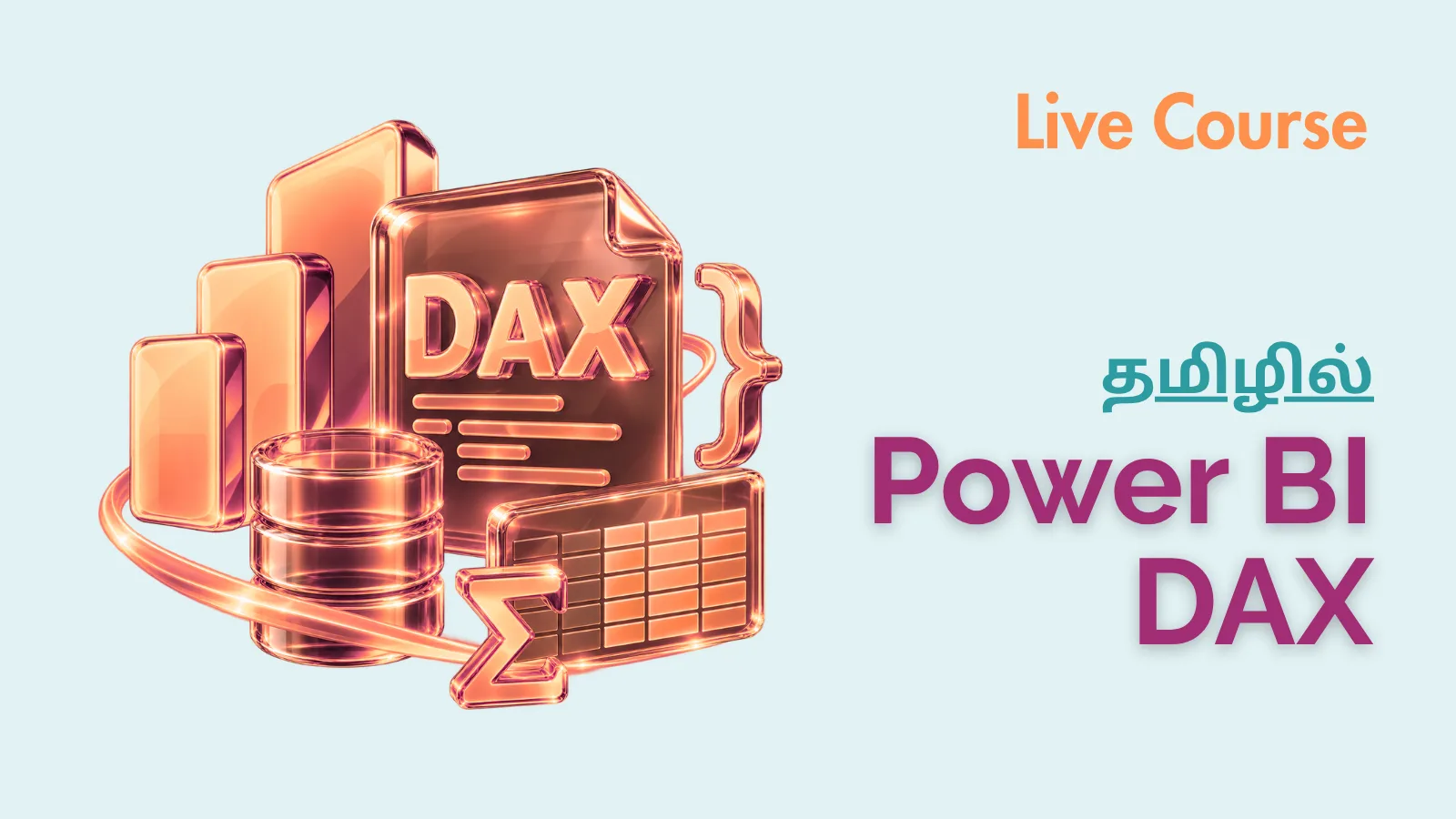
This course help you to write powerful DAX queries with confidence, work with 150+ DAX functions across real-world scenarios, and build professional-grade Power BI reports — making you job-ready as a Data Analyst or BI Developer.
Batch #2 starts Sep 28, 2026
40% off with code DAX40
What You'll Learn
Master DAX Fundamentals & Query Writing
Manipulate & Transform Tables Like a Pro
Perform Advanced Calculations & Aggregations
Unlock Time Intelligence for Business Insights
Control Relationships & Filter Context with Confidence
Build Job-Ready Skills with 150+ DAX Functions
Requirements
Basic Power BI Knowledge
Understanding of Data Tables
Excel Familiarity
Basic Math & Logic
Tools & Technologies
Power BI
DAX Studio
Course Description
This comprehensive course takes you from the fundamentals of DAX syntax and DAX Studio setup all the way through advanced topics like Time Intelligence, Filter Context, Window Functions, and Relationship Management. With 10+ hours of structured content, you’ll gain hands-on experience with table manipulation, aggregations, logical and text functions, date/time operations, and more — everything you need to write powerful, efficient DAX queries for real-world Power BI data models.
Right for You?
Who This Course is For
Aspiring Data Analysts & BI Developers
Power BI Users Looking to Level Up
Excel Professionals Transitioning to Power BI
Business Intelligence & Reporting Professionals
Course Curriculum
15 modules • 144 lessons
Module 1: Introduction to DAX & DAX Studio
3 lessons
Module 2: DAX Queries Foundation
6 lessons
Module 3: DAX Operators
4 lessons
Module 4: Table Manipulation Functions
19 lessons
Module 5: Aggregate Functions
11 lessons
Module 6: Logical Functions
10 lessons
Module 7: Information Functions
17 lessons
Module 8: Math Functions
13 lessons
Module 9: Text Functions
13 lessons
Module 10: Date and Time Functions
10 lessons
Module 11: Time Intelligence Functions
13 lessons
Module 12: Parent and Child Functions
4 lessons
Module 13: Relationship Functions
5 lessons
Module 14: Filter Functions
12 lessons
Module 15: Window Functions
4 lessons
Our Advantage
Why Choose This Course
01Hands-On Learning with Real Power BI Data Models
02150+ DAX Functions Covered in One Place
03Structured from Beginner to Advanced Level
04Practical, Job-Ready Skills from Day One
Your Instructors
Leelavathi Ramesh
Business Intelligence Analyst
10
Courses
4+ years of experience as a Business Intelligence Analyst, with hands-on expertise at Variablz Technology and Schneider Electric. Statistics graduate with practical experience across Marketing, Production, and Sales Analytics.
Parthiban Kannan
Co-founder & Manager
10
Courses
14+ years of experience in digital transformation, leading teams of 15+ members and delivering 160+ projects for organizations like Lakshmi Machine Works, Milacron, Schneider Electric, Aatomz Research, and Variablz Technologies.
AI innovator with a patent approved by the Government of India, with strong expertise in Data Science, Data Analysis, Business Intelligence, and Software Development.
Course Outcomes
What Our Students Build
Articles, projects, research papers and more — real work by our learners applied beyond the classroom.
Master Python from beginner to advanced with this complete Tamil course designed for job seekers, freshers, and career switchers. This zero-to-hero program…



 Valarmathy Shankar
View
Valarmathy Shankar
View